Showing posts with label CU Layer Styles. Show all posts

Wednesday, July 10, 2013

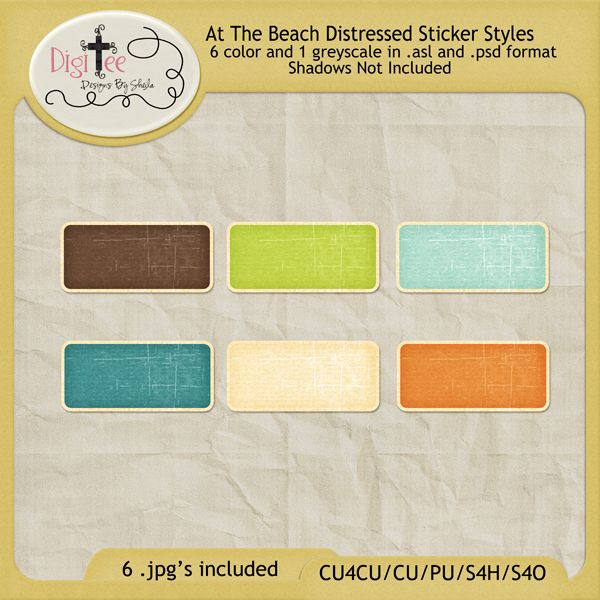
CU4CU At The Beach Distressed Sticker Styles Freebie!!

Last, but not least, here are the At The Beach distressed sticker styles I made. I love these handy little styles.
They are super versatile, and so cute! This set comes with 6 colorful distressed sticker styles, and 1 greyscale that is not shown. They are in .asl and .psd format, with 6 colorful jpg's included!! I hope you all like them and can use them, and may God bless you all throughout the rest of this week and into the weekend!! As always, don't forget to leave some love:)


DOWNLOAD ASL FORMAT at mediefire.
DOWNLOAD PSD FORMAT at mediafire.
DOWNLOAD JPG'S at mediafire.

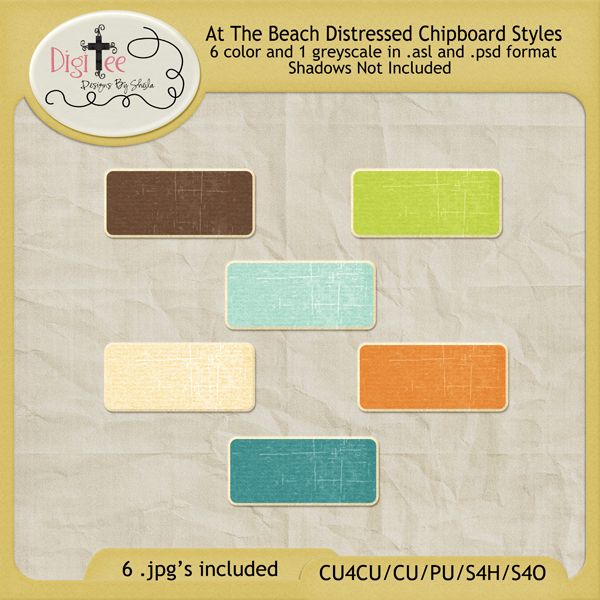
CU4CU At The Beach Distressed Chipboard Styles Freebie!!

I just LOVE chipboard. There are really so many different ways to make chipboard. I wanted to make some distressed looking chipboard to use in designing, yes you guessed it, the At The Beach mini kit I'm working on for the Pixel Scrapper August At The Beach blogtrain coming up:) So, I made some and I like how they turned out. It makes it so much easier for me to make word art or elements, and just with the click of a layer style, voila, its chipboard! So here they are to share with you! There are 6 colored styles and 1 greyscale that is not shown, so you can make whatever, and apply the greyscale one to make it chipboard. They are in .asl and .psd formats, and also .jpg's for those who may want them that way. I hope you like them and can
use them in your designs and scrapping:) As always, may God bless you and keep you all throughout the rest of this week and into the weekend:) 


DOWNLOAD ASL FORMAT at mediafire.
DOWNLOAD PSD FORMAT at mediafire.
DOWNLOAD JPG'S at mediafire.

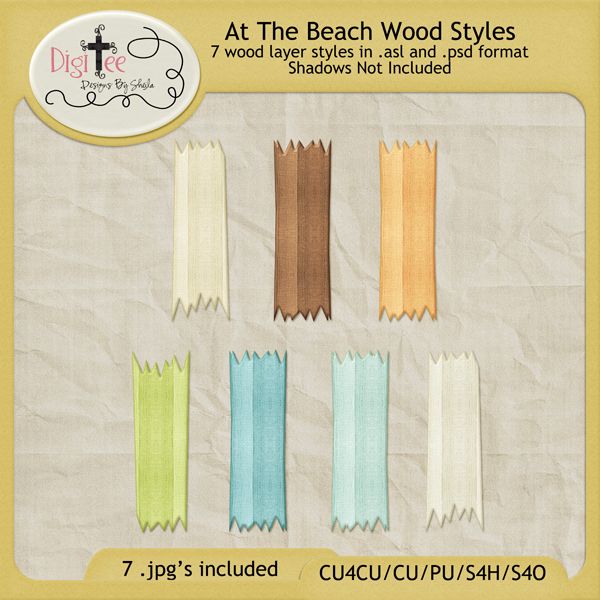
CU4CU At The Beach Wood Styles Freebie!!

So, here are the wood styles I made to use in designing my portion of the Pixel Scrapper August 2013  At The Beach blogtrain. I had planned on using them on an alpha, then decided at the last minute not to. It was
late, and I was super tired....so I was just lazy. However, I think they would be super awesome as an alpha, or even surf board. Well, actually there are a lot of possibilities with these.....I even made one into a paper for my At The Beach mini kit, which is coming soon by the way, so don't forget to check it out on Aug. 1, here on my blog and at Pixel Scrapper when it will go live on each participants blogs....You can even get a glimpse of what is to come here, just scroll down and see the different previews of the kits that are already done, just ready to go live on Aug. 1. Anyway, here are the wood styles, I hope you can use them in your designs and scrapping, and as always, may God Bless you all and don't forget to leave some love:)


DOWNLOAD .ASL FORMAT at mediafire.
DOWNLOAD .PSD FORMAT at mediafire.
DOWNLOAD .JPG'S at mediafire.


Monday, July 8, 2013

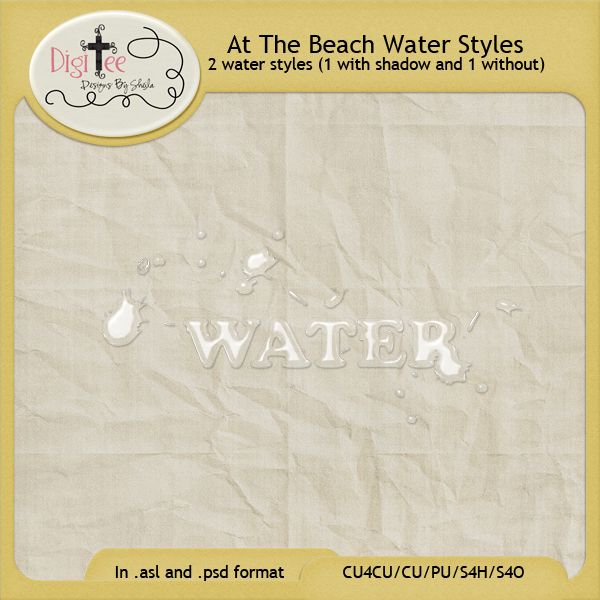
CU4CU At The Beach Water Styles Freebie!!

Here are the water styles I talked about in the last post:) It took me FOREVER to figure out how to make
these. I watched several different tutorials, and every one of them was different, and had different effects and 
outcomes. I took what I liked from each one, tried out so many different blend modes and contours and it just all looked crappy, everytime I tried. I then started from scratch, and just took it one step at a time, made  several conours and painstakingly tried each one, and yada yada yada, until I sort of liked what I saw. So I made one with shadows, and one without shadows. I found that I liked it much better if I applied the style, then duplicated the layer, then merged both layers together. I never could figure out how to make the shadow look awesomely realistic...but I was satisfied with what I did come up with. So, here are my water styles. I hope you like them and can use them in your designs and scrapping in some way. You can also play with them and maybe make them look even better, with a more perfect shadow, lol. Anyway, they are also cu4cu friendly:) As always, may God Bless you all throughout this week, and don't forget to leave some love:) My At The Beach Wood Styles should be next, so stay tuned:)........


DOWNLOAD .ASL FORMAT at mediafire
DOWNLOAD .PSD FORMAT at mediafire.


Friday, July 5, 2013

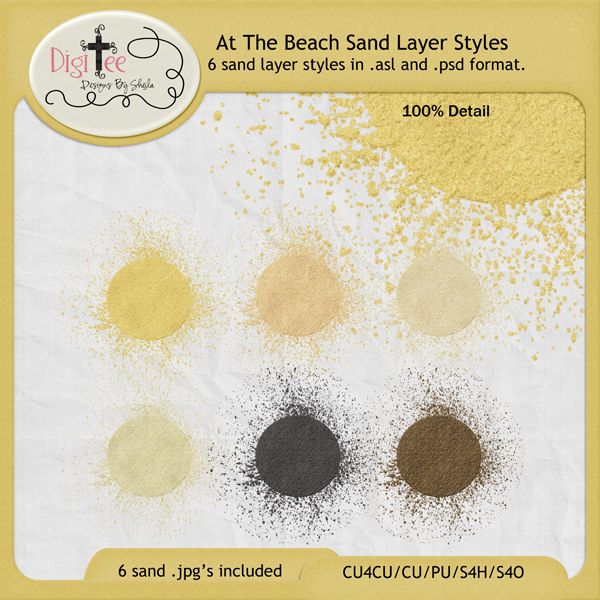
CU4CU AT THE BEACH SAND STYLES FREEBIE!

Pixel Scrapper is having an August 2013 "At The Beach" blogtrain challenge in the works right now that I am  participating in and anytime I am starting a kit, the first thing I do is start making templates to use and layer styles to help in my designs....I LOVE layer styles, LOVE to make them and LOVE to share them. So, with this blogtrain theme being "At The Beach", I needed to come up with something, well, beachy! I thought, sand, water, weather worn wood (like the old pickett fence in the sand you always see at the beach), and maybe something to make distressed elements and stickers. So I got to work and managed to make them all this week, and believe me, it was WORK, because I had no idea where to start, lol! I started with sand. I wanted as realistic looking sand as I could find. So I found a tutorial on how to make a sand pattern, it was good, but not realistic. I searched high and lo for a good tutorial, but could not find one. At least not one I liked,lol. It wasn't until I found a tutorial on how to make a drawing in the sand that I found my break! The texture that this tutorial used was a prickly bush texture and I thought it was weird, but I could not believe the difference that it made in the texture I was soooo wanting in my sand. I used that same texture (comes with photoshop) with my sand pattern I made using filters and clouds, and then played with the layer style settings for two days until it finally looked AWESOME to me and I was like "VOILA", as I heard angels singing "hallelujah" in the background, lol......ANYWAY, so here they are. AND, I made them in several different sand colors. There are 6 sand styles that come in .asl and .psd formats. I also added the .jpg's for those who do not have photoshop. These are CU4CU so you may use them in your designs to sell or give away and license however you want:) Just please be a sweety and don't sell or give away the actual layer styles themselves:)
I am super excited and I hope you like them as much as I do. And stay tuned for the next layer style I was off to make, the WATER style!!! It will be added in my next beachapaloosa post:)lol!

DOWNLOAD ASL FORMAT at mediafire.
DOWNLOAD PSD FORMAT at mediafire.
DOWNLOAD JPG'S at mediafire.


Wednesday, July 25, 2012

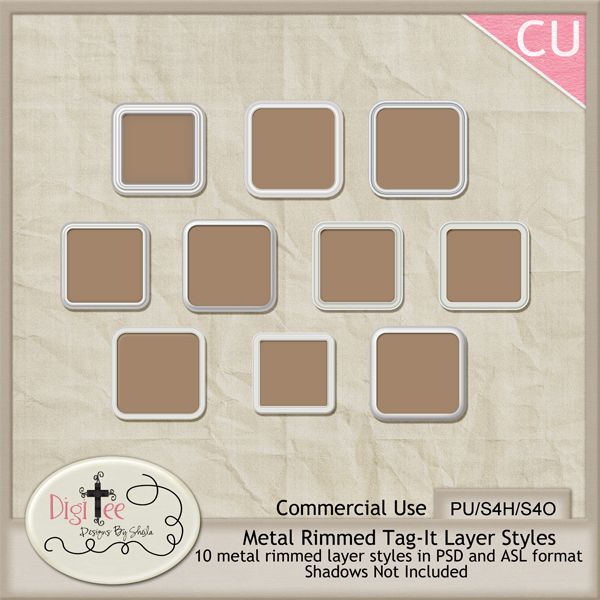
Metal Rimmed Tag-It Layer Styles Freebie!

I was so encouraged at all the comments on my string layer styles, that I decided to dust of all the
cobwebs on my other styles, and see if anyone else could use them. A while back, I was playing with
gradients, learning about them and tweaking different contours in the layer styles pallette to see what it would do and inadvertantly made something I thought was so cool, a metal rimmed tag. Granted, its certainly not the best, but they are cute, and make the cutest tags. I think with a little creativity, there are so many things you could do with these. I made a preview of a few very simple things you could do, but I know you all will come up with so much more! So enjoy them, create something
unique, and send me a link if you wanna, so I can see what awesome things you've done with them!:)
As always, don't forget to leave some love, its always encouraging, and have a very Blessed weekend!


DOWNLOAD PSD FORMAT at mediafire.

Here are just a few very simple examples of how to use them.


Monday, July 23, 2012

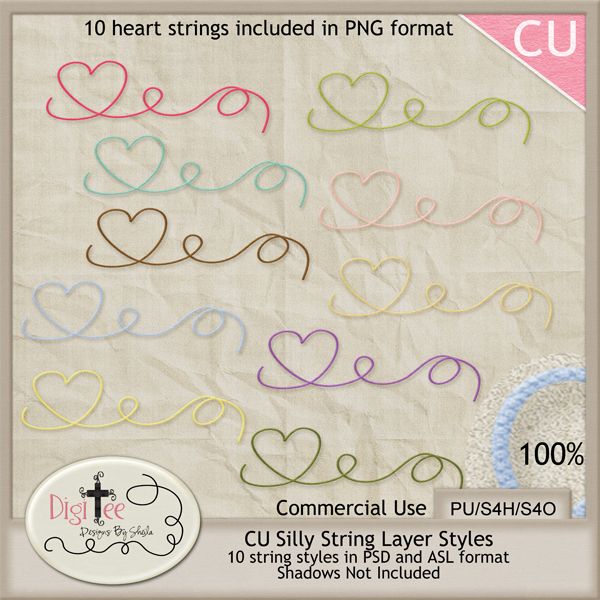
CU4CU Silly String Layer Styles Freebie!

NOW CU4CU!  YOU MAY USE THESE TO MAKE YOUR OWN RESALE OR FREE DESIGNS
AND LICENSE THEM AS CU!!
Have you ever tried to scan and extract a string? Or, take a photo of a string, bring it into Photoshop
and extract it? It is so hard. At least for me, by the time I'm done extracting, I've taken so much off it
looks more like a thread. And forget buying some CU strings, I just can't afford it, and then you see the same string in other kits....you have to really be creative with it, make it unique.  I soooo wanted to just get my drawing pad, throw down some quick unique doodles, and at the  click of a button instantly turn it into a string. So, I was off to figure out how to make a descent string
style. I tried so many different textures and blending modes, and I finally found something I like. Granted, they are never gonna be real...but they look real! At least to me...So try these out and see what you think. I bet you could even make a bow out of them with a bow action, or just using a bow template...I took some freyed ends from a real string and played around with it, then added it to the ends of the strings and made some cute strings with freyed ends! There are a lot of possibilities.
So, play around with it, design something unique for your kits, or pages that you want to scrap:) Anyways, I hope you enjoy them and I hope you have a blessed week filled with creativity and happy scrapping!:)

Oh, and don't forget to leave some love!!


Friday, July 20, 2012

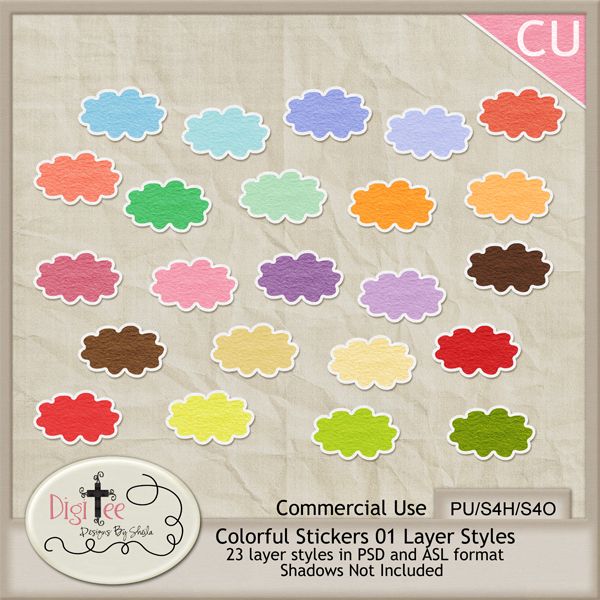
CU Colorful Stickers 01 Layer Styles Freebie!

Here are some colorful stickers layer styles I made a while back. They are also great for alpha's. They have sort of a construction paper texture to them. I love the colors and think they are a great basic to have on hand for designing and scrapping. And, as always, they also come in PSD format for those not wishing to install. I hope you can use them. I hope you all have a blessed and safe weekend, and don't forget to leave me some love:)


DOWNLOAD PSD FORMAT at mediafire.
DOWNLOAD ASL FORMAT at mediafire.


Monday, July 16, 2012

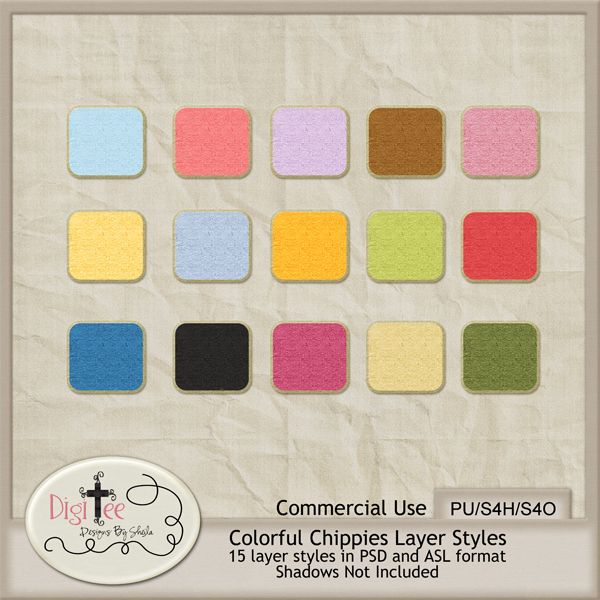
CU Colorful Chippies Layer Styles Freebie!

Here are the colorful chipboard layer styles I made. I wanted to get them on here before I forget. I used these styles to make the "Forever Love" alpha. They make the best alphas, and come in PSD format for those not wishing to install! I hope you can use these in your designs and scrapping! As
always, please leave some love, I look so forward to the comments:) Also, if there is something you'd love to see for free, let me know, maybe I can whip it up for ya!! I love to design and share!! May God bless you all today!


DOWNLOAD PSD FORMAT at mediafire.
DOWNLOAD ASL FORMAT at mediafire.


Wednesday, May 30, 2012

CU Crazy Acrylics 01 Layer Styles Freebie!!

Are you crazy about acrylics? I see them everywhere in the digi-scrapping world, I always think, I would love to have some clear acrylic styles. So I go searching for free ones...I am very frugal, and
hate spending if I don't have to. So, I couldn't really find any, so I decided to try my hand at making
some. I just can't spend money on something if I have the resources to make them myself. So I went
googling for tutorials on how to make clear acrylic styles....I could not find one tutorial. I did find a
lot of tutorials for glass though. So, I tried them out, it was cool, but still not that clear acrylic look
you see in the digi-scrapping world. So I started from gound zero, and just played with the style
blend modes and lighting for two days here and there and learned a lot about anti-aliasing with unique
contours and many other things. All in all, it was fun, and everytime I came up with something I liked, I played some more and found a way to make it even better. Well, I finished with something I like, and
I want to share them with you. May God bless you all today and  I hope you like these and can use them in your designs.


WANT A FREE ACRYLIC DROP SHADOW STYLE AND ACTION?
I was looking at how to make a drop shadow to apply to the preview, and not only found one
already made, but it was also  FREE by Lydia Tarbox at Sweet Shoppe Designs here! Scroll down
her page and you'll see where she talks about Acrylic Drop Shadows. She
refers us to a great tutorial on applying drop shadows to acrylics by Jessica Sprague here, and
then even offers her time saving drop shadow style and action for free. (You'll have to scroll to
the bottom of the page to get it). How awesome is that? I'm assuming its for PU only, as I
couldn't find any terms, so I would ask if you are wanting to use her shadows for anything other
than personal use.  I hope you enjoy the acrylics, and have a blessed day!!